For custom home designers & architects
Know what they want before you meet.
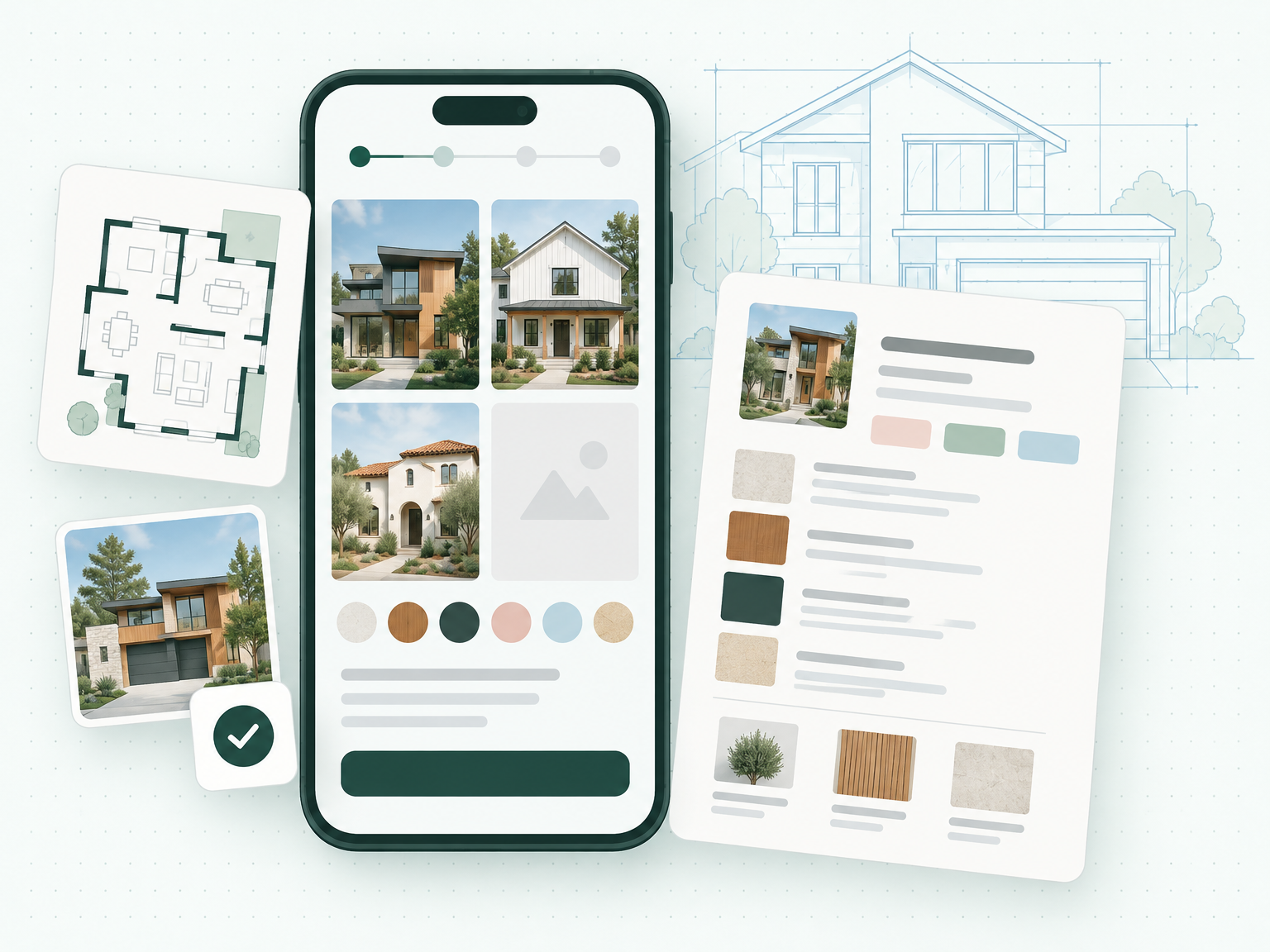
Send one link. Your clients pick styles, materials, kitchen and garage options on their phone — and you get a one-page design brief.
- No app or login for clients
- Sample brief ready on sign-up
- Print or save as PDF
The problem
Discovery shouldn't eat your design hours.
Without HomeBrief
- A 2-hour kickoff spent asking how many bedrooms
- Pinterest links scattered across texts and emails
- Notes on a legal pad you have to decode later
- Rewriting the same discovery questions for every new client
With HomeBrief
- Clients answer from their phone before you meet
- Every photo, link and note in one place
- One printable brief you can pin above your desk
- The same proven question set, sent with one link
Why designers use HomeBrief
Your client's whole wish list, on one page — before you ever sit down.
Shorter first meetings
Skip the 'how many bedrooms?' hour. Walk in with the program, style and must-haves.
Everything on one page
Basics, garage, style, exterior, kitchen, suite and special requests — one view.
Ready to hand over
Print or save as PDF. On Pro, every brief carries your studio's logo and colors.
How it works
Send one link
Create a project and text or email the intake link. No app, no login for your client.
Clients answer visually
Style photos, material textures, kitchen and suite options — at their own pace, on their phone.
Get a one-page brief
Every answer, photo and note organized into a printable architectural spec sheet.
Pricing
Start free. Go Pro when the clients come.
Free (Starter)
$0 / month- 2 new client projects per month
- Full visual client form
- Client photo & file uploads
- Printable one-page brief
Pro (Studio)
$29 / monthor $279/year billed annually — save 20%
- Unlimited client projects
- Groups with their own boards
- Your logo, studio name and color on every brief
- Priority support
Questions
Do my clients need an account?
No. They open the link on any phone or computer and start answering. Nothing to download.
What if my client doesn't know the answers yet?
Most questions are visual choices, and every section has a notes box.
Will this replace my first meeting?
No — it makes it better. You walk in knowing the program, so the meeting is about design.
Can I try it before inviting a real client?
Yes. Every new account comes with two sample projects, including a finished brief to print.
Your next client meeting can start with answers.
Sign up free, open the sample brief, then send your first real client link in under a minute.
Start free